
Quick Answer
The best budgeting apps UK students can use in 2026: Emma, Monzo, Plum, and Snoop compared on features, open banking, and price. Find the right free money-tracking app to stay on top of student spending and start building savings from day one.
Regulatory Transparency & Disclosure: Student Invest Guide is an independent financial commentary platform. This article may contain affiliate links which support the site at no additional cost to the user.
Table of Contents
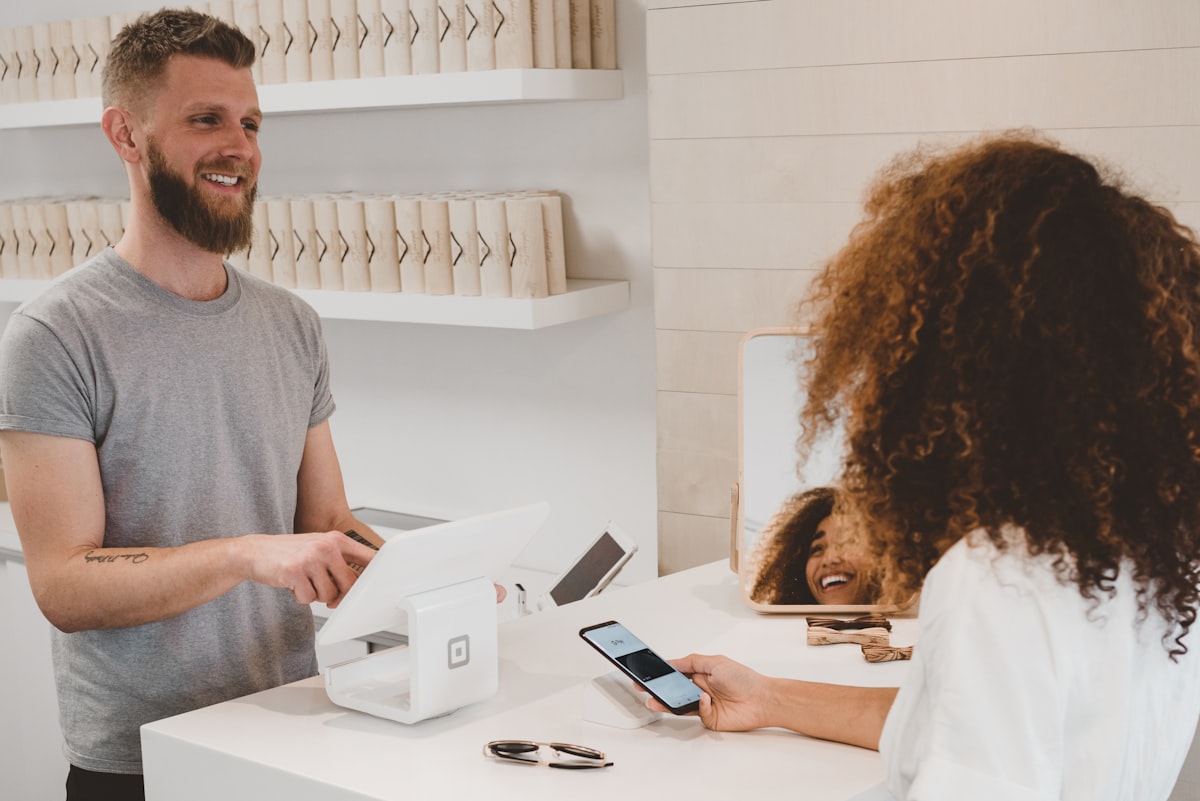
You don’t need a spreadsheet, a financial advisor, or a maths degree to manage your money. The best budgeting apps UK students can use will show you exactly where your money goes — and help you keep more of it. This guide covers every major option available in 2026, ranked by features and value.
Here are the best budgeting apps available in the UK, with a focus on what works for students and young adults.
Why Use the Best Budgeting Apps UK in 2026?
Most people think they know roughly what they spend. Most people are wrong.
A 2023 survey found that UK adults underestimate their monthly spending by an average of £300. A budgeting app eliminates guesswork — it connects to your bank and shows you the truth.
1. Emma — Best Free Option for Students
Cost: Free (Pro plan £4.99/month) Available: iOS and Android
Emma connects to your bank accounts, credit cards, and savings accounts to give you a complete picture of your finances. The free version includes:
- Spending categorisation
- Subscription tracking (helps you spot subscriptions you’ve forgotten about)
- Budget setting
- Net worth tracking
The killer feature for students is subscription tracking — Emma will flag recurring payments you might not realise you’re still paying for. Gym memberships, free trials that converted to paid, streaming services.
The Pro plan adds features like cashback, savings goals, and advanced analytics — but the free version covers everything most students need.
Best for: Students wanting a free all-in-one money tracker
2. Monzo — Best Built-In Banking App
Cost: Free (Monzo Plus from £5/month) Available: iOS and Android
Monzo is a digital bank, not just a budgeting app — but its budgeting features are genuinely excellent. If you use Monzo as your main account, you get:
- Automatic spending categorisation
- Monthly budget limits by category
- Salary sorter (automatically splits income into bills, savings, spending)
- Savings “pots” (separate ring-fenced spaces for savings goals)
- Bill splitting
The Salary Sorter is particularly useful for students receiving student loans: when your loan lands, you can automatically send portions to rent, an emergency fund, and spending, so you don’t accidentally blow it in week one.
Best for: Students who want their bank and budget in one app
3. Plum — Best for Automatic Saving
Cost: Free (Plum Basic); paid plans from £2.99/month Available: iOS and Android
Plum connects to your bank account and uses AI to analyse your income and spending patterns. It then automatically moves small amounts to savings when you can afford it — without you having to think about it.
It also offers:
- Spending categories and insights
- Investment options (stocks and shares) within the app
- Bill switching (finds you better deals)
The automatic saving feature is Plum’s standout offering. It analyses your balance and spending patterns, then quietly moves amounts like £3, £7, £12 to savings whenever you have spare cash. Over a term, this adds up.
Best for: Students who want to save automatically without thinking about it
4. Snoop — Best for Saving on Bills
Cost: Free Available: iOS and Android
Snoop connects to your accounts and specifically focuses on helping you save money by:
- Finding better deals on your bills (energy, broadband, insurance)
- Spotting price rises you haven’t noticed
- Flagging when you could save on subscriptions
It’s less about tracking and more about finding savings you’re leaving on the table. Great if you have direct debits and want to make sure you’re on the best deals.
Best for: Students in private accommodation wanting to reduce bills
5. YNAB (You Need a Budget) — Best for Serious Budgeters
Cost: $14.99/month or $99/year (≈£12/month or £79/year); 34-day free trial Available: iOS, Android, and desktop
YNAB uses a method called “zero-based budgeting” — every pound you earn gets assigned a job before you spend it. It’s the most effective budgeting method for people who really want control over their money.
YNAB is not free, which is a drawback for students. But it offers a free 12 months for students (you need to verify with your university email) — making it genuinely worth trying.
Best for: Students who are serious about budgeting and want a structured system
6. Google Sheets / Excel — Best Free Manual Option
Not an app, but worth mentioning. A simple spreadsheet with your income and spending categories, updated weekly, costs nothing and teaches you financial literacy faster than any app.
If you want a starting point, search for “UK student budget spreadsheet template” — there are many free ones available.
Best for: Students who prefer manual control and don’t want to link their bank
Best Budgeting Apps UK — Comparison Table
| App | Cost | Bank Connection | Auto-Save | Best Feature |
|---|---|---|---|---|
| Emma | Free / £4.99pm | Yes | No | Subscription tracking |
| Monzo | Free / £5pm | Built-in bank | Yes (pots) | Salary Sorter |
| Plum | Free / £2.99pm | Yes | Yes | Auto-saving AI |
| Snoop | Free | Yes | No | Bill savings alerts |
| YNAB | £12/month (free for students) | Yes | No | Zero-based budgeting |
Tips for Using the Best Budgeting Apps UK Effectively
- Check it weekly, not daily. Daily checking creates anxiety. Weekly reviewing creates habits.
- Set realistic budgets. If you set a £50/month eating-out budget but you spend £200, the app fails because you ignore it. Start with your actual spending and work down gradually.
- Don’t quit after one bad month. Overspending happens. The goal is awareness, not perfection.
- Use the subscription tracking. This alone often pays for itself in the first month.
Summary: Best Budgeting Apps UK Compared
For most students, Emma (free) or Monzo (if you’re happy to switch bank accounts) are the best starting points. Both are free, connect to UK banks, and take less than 10 minutes to set up.
If you’re serious about budgeting, get the YNAB student account — it’s free for 12 months and genuinely changes how you think about money.
Risks and Limitations of Relying on Budgeting Apps
If automated categorisation and spending insight matter most to you, Emma is one of the most widely used UK budgeting apps among students, linking directly to your bank accounts to build a live picture of your spending.
Budgeting apps are powerful tools, but they are not without drawbacks. Understanding the risks helps you use them more effectively:
- Open Banking data gaps: Not all UK banks and credit unions support Open Banking connectivity. If your institution is not supported, you will need to enter transactions manually — which most students do not sustain long-term.
- Subscription creep: Apps like YNAB charge £14.99/month after a free trial. If you forget to cancel or do not use it consistently, you are paying for a tool that is not adding value.
- False precision: Automatic categorisation is not perfect. Supermarket purchases may be split across “groceries” and “household” incorrectly, distorting your spending picture if you do not review the categories.
- Privacy considerations: Connecting your bank account to a third-party app requires granting read access to your transaction history. Always verify the app is FCA-authorised (or holds an Appointed Representative status) and uses bank-grade encryption before connecting accounts.
- Behavioural change is still required: A budgeting app shows you what you spend — it does not stop you spending it. Research consistently shows that awareness alone produces modest behavioural change; you must act on the data the app provides.
The FCA-regulated apps in this list (Emma, Plum, Monzo) are covered by UK consumer protection frameworks. For manual alternatives such as Google Sheets, no connectivity risk applies.
📊 Analyst Note
With the Bank of England base rate at 3.75% (held at the April 2026 MPC meeting; next review 19 June 2026) and CPI inflation at 3.3%, the real return on student savings accounts is narrow. Budgeting apps that help you identify subscription waste, reduce impulse spending, and automate savings are therefore not merely a convenience — they are a direct mechanism for preserving real purchasing power. A student who reduces unnecessary monthly outgoings by £50 using a free budgeting app and redirects that into a Cash ISA earning 4.5%+ creates meaningful compounding value over a three-year degree.
📩 Get our free Student Investor Checklist — 10 steps before you invest your first £100. Download free →
Frequently Asked Questions
Is Emma safe to connect to my bank account?
Yes. Emma is FCA-authorised and uses Open Banking — a regulated UK framework requiring read-only access to your transaction data. Emma cannot move money or initiate payments. Your bank login credentials are never shared with Emma; authentication is handled directly with your bank via the Open Banking API.
Do budgeting apps work with student bank accounts?
Most do, but coverage varies. Emma, Plum, and Snoop all support major student-friendly banks including Monzo, Starling, Nationwide, Santander, and HSBC. Some challenger banks (e.g., Revolut) have intermittent Open Banking connectivity due to API changes — check the app’s supported banks list before connecting.
Is YNAB worth the cost for students?
YNAB offers a free 12-month subscription for students with a valid .edu or .ac.uk email address — making the cost argument largely moot for most UK undergraduates. After the student period, at £14.99/month, YNAB only makes sense if you are actively following its zero-based budgeting methodology. Casual users are better served by Emma or Monzo’s free built-in tools.
Can I use more than one budgeting app at the same time?
You can, but it is generally counterproductive. Splitting your financial picture across two dashboards creates confusion rather than clarity. The exception is using Monzo as your primary bank (with built-in budgeting) and Emma as an aggregator to pull in other accounts — this is a common and effective setup for students with multiple accounts.
How to Choose the Best Budgeting App UK for Your Situation
With so many options available, selecting the right budgeting app comes down to three practical questions: how your income arrives, how your spending is structured, and how much effort you want to invest in tracking.
- Irregular income (freelance, zero-hours contracts): Apps with manual transaction entry — such as Emma Pro — suit students whose income doesn’t arrive in consistent payroll cycles. Automated categorisation tools work best when the data is predictable; for variable income, manual control gives more accurate pictures of your financial position.
- Students with multiple accounts: Open Banking connectivity is essential. Emma and Snoop both aggregate across banks, credit cards, and savings accounts simultaneously — a single-app view that avoids logging into four separate apps every time you want to check your balance.
- Beginners who want minimal friction: Monzo’s built-in budgeting tools require no setup. If you already bank with Monzo, the spending categories, pots, and monthly summaries are configured automatically — making it the lowest-resistance starting point for students who have never tracked spending before.
- Students focused on saving goals: Plum’s autosave algorithm — which analyses income and spending patterns, then moves small amounts into savings automatically — is well-suited to students who struggle to save by willpower alone. The algorithm is based on typical behavioural patterns and its performance varies by individual spending regularity.
No single app outperforms all others in every category. For illustrative purposes: a student banking with Monzo who also wants multi-account visibility might pair Monzo (primary bank) with Emma (aggregator) — both free tiers — rather than paying for a premium subscription. Budgeting tools do not substitute for building an emergency fund; a dedicated savings account remains the foundation of any student financial plan.
Open Banking-connected apps are regulated under the FCA’s Payment Services Regulations — verify any app at the FCA Register.
Prefer a manual, offline system over another app? We built our own Digital Budget Planner — a printable PDF tracker for debt payoff, savings goals, and monthly budgeting, sold directly by Student Invest Guide on Etsy (not an affiliate link — this is our own product).